
Mobile Booking for Salon Websites: Remove Friction from the Customer Journey
Đọc bằng tiếng Việt ↗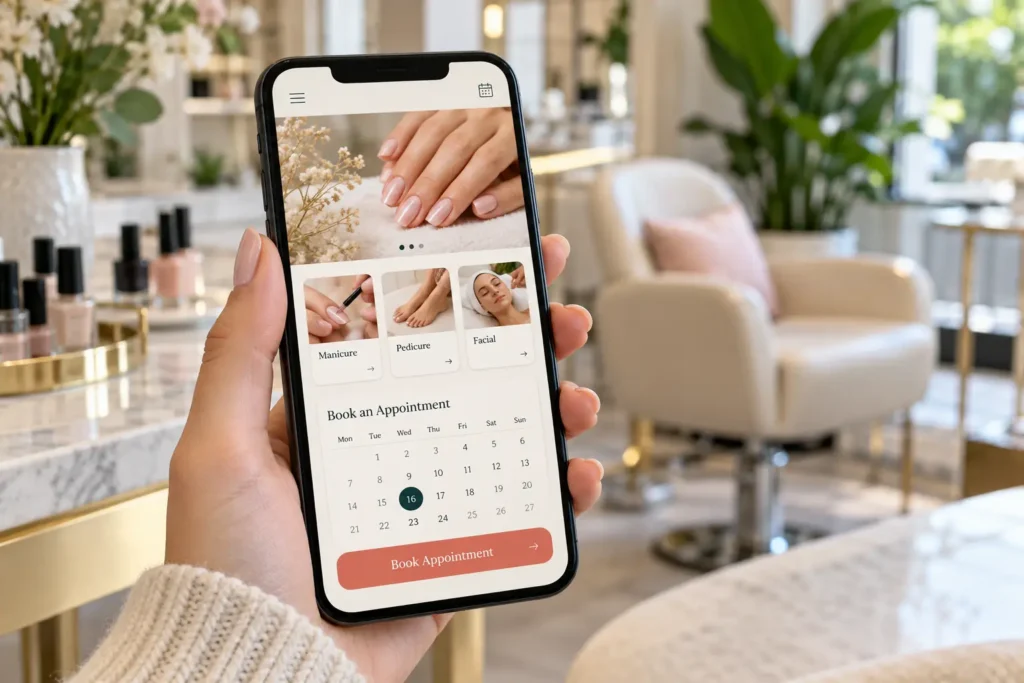
The quick answer
A good mobile booking journey lets guests understand the service, find the correct location and reach a working calendar without confusion. Test the whole path on a phone: a visible booking button is only useful when the destination and final confirmation also work.
Make the service decision easy on a small screen
Keep the service name, useful description, starting-price conditions and booking action close together. Avoid making guests pinch to read a menu image or scroll past a large visual before finding the information they need.
A sticky booking button can help on long pages, but it should not cover form controls, cookie choices or the last lines of content. Open the menu and dismiss it with the same ease; navigation should not trap the customer before they reach booking.
Explain the handoff to an external provider
If booking opens on another website, label the action clearly and make sure the destination shows the same salon and location. Check whether it opens in a new tab and whether returning to the salon site is straightforward.
A deep link may preselect a branch or service, but verify it with the provider rather than guessing URL parameters. Keep a phone alternative for guests who need help with group visits, detailed nail art or a service that cannot be selected online.
Use a device test checklist
- Text remains readable without zooming.
- Buttons can be tapped without hitting neighboring links.
- The keyboard does not hide the next required field.
- Error messages explain how to correct an entry.
- Back navigation preserves the expected context.
- The chosen date, time and location remain visible before confirmation.
- The success screen distinguishes a request from a booked appointment.
Test at least the phone and desktop journeys your customers use. Include an ordinary mobile connection, not only a fast office network.
Find the failing step before redesigning
Record where the customer stops: before the button, after the provider loads, at service selection or at confirmation. A broken branch link needs a different fix from unclear prices. Use a dated issue list with the device, URL and steps to reproduce the problem.
Only report completed bookings when your provider or staff can confirm them. A website click is useful to measure, but it should not be relabeled as an appointment. Recheck the journey after changing the menu, booking provider or mobile navigation.
Common questions
Should booking open in a new tab?
Either approach can work if the transition is clear and the mobile journey remains usable. Test the actual provider rather than choosing by habit.
Is a fast homepage enough?
No. The service page, booking provider and confirmation flow also affect the experience.
Explore Slotify services for this topic →