
The quick answer
A useful Google Business Profile helps a prospective guest answer three questions: is this the right salon, where is it, and how do I book? Review the profile as a customer would, then correct inaccurate details through the account authorized to manage the business.
Check identity and contact details
Start with the salon name, address, map location, phone number and website. Google expects the business to be represented accurately; avoid adding promotional phrases or extra keywords to a name that the salon does not use in the real world.
Make a small comparison sheet with columns for the storefront, website and Business Profile. Copy the details from each place, identify differences and confirm the correct version with the owner before editing. A suite number or old phone number is easy to overlook when a team has used the same listing for years.
Review services, hours and useful details
- Check that the selected business category describes the actual business.
- Review the services listed against the menu customers can currently book.
- Check regular and special opening hours.
- Remove outdated information about services or facilities no longer offered.
- Explain location-specific arrival or parking details where appropriate.
Keep a record of the date reviewed and the person who approved changes. For a salon with several locations, complete a separate sheet for each real location rather than assuming all details match.
Test the customer journey on a phone
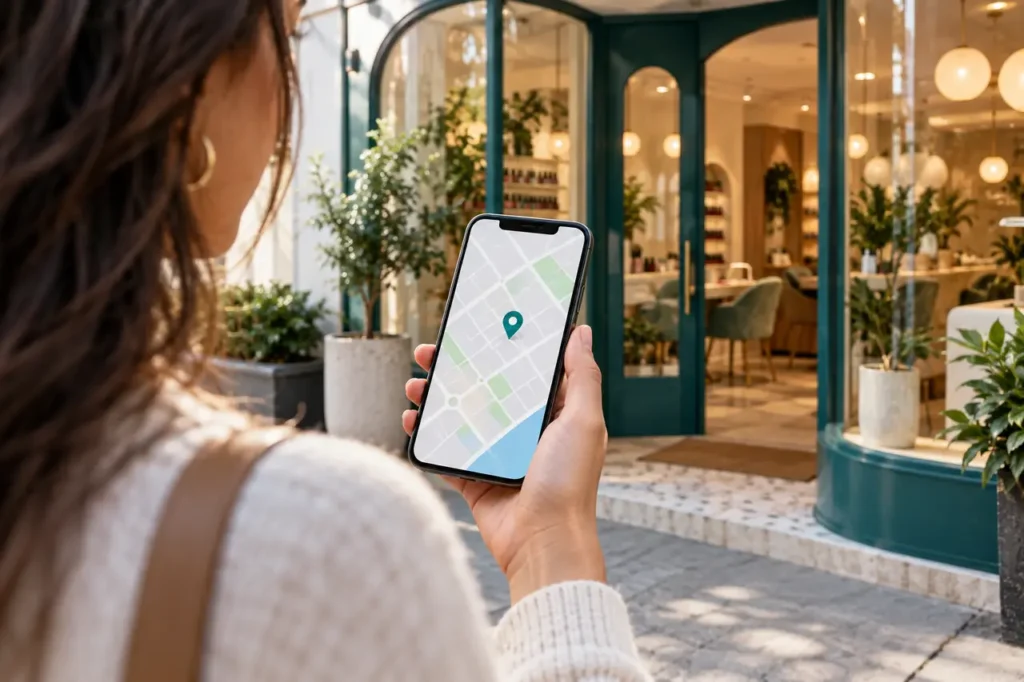
Open the public profile on a phone and follow the website and booking links. Does the destination show the same salon and location? Can the guest find the requested service? If a booking provider opens in another tab, is the next step clear?
Ask a staff member who did not make the edits to test the journey. Have them find directions, check Sunday hours and start a booking without submitting it. Write down the first place they hesitate.
Build a useful photo set
Choose current photographs that help someone recognize the salon: the storefront, entrance, reception, service areas and examples of work the team actually performs. Get permission before featuring identifiable customers. Label and organize source images so that old promotions are not uploaded by mistake.
For this review, look for missing information rather than an arbitrary photo count. A clear entrance photo can be more useful to a first-time guest than another nearly identical close-up.
Set a maintenance rhythm
| When | Suggested check |
|---|---|
| When something changes | Hours, phone, menu, booking URL or location details |
| Weekly | New feedback, unanswered customer questions and broken links |
| Monthly | Full customer-journey check and photo refresh where needed |
This schedule is an operational suggestion, not a Google ranking formula. Keep ownership of the business account with the salon and give helpers only the access they need.
Common questions
Will completing this checklist guarantee a Maps position?
No. The checklist improves accuracy and usability. Search placement depends on factors beyond completing a profile.
Explore Slotify services for this topic →