
The quick answer
A nail salon website should help a guest understand the services, trust the business and reach the correct booking or contact step. Start with accurate information and a usable phone experience, then refine the visual details around that journey.
Give every essential page a clear job
| Page or section | Customer question it answers |
|---|---|
| Home | What kind of salon is this, and where do I start? |
| Services | What can I book, and what does the price include? |
| Gallery | Does the team's work fit my preferences? |
| About | Who is behind the business? |
| Contact | Where is the salon, when is it open, and how do I reach it? |
| Policies | What should I know before booking? |
Add promotions, hiring and gift card information when they are relevant. A page should earn its place by answering a real need, not by filling a menu.
Make service information specific
Use the names the front desk and booking system actually use. Explain the service, approved starting price, relevant add-ons and whether an exact quote needs a consultation or reference image. Avoid showing one price online and a different menu at the salon.
If duration varies, explain the factors rather than assigning a false exact time. Give guests an easy way to ask when they are unsure which option to book.
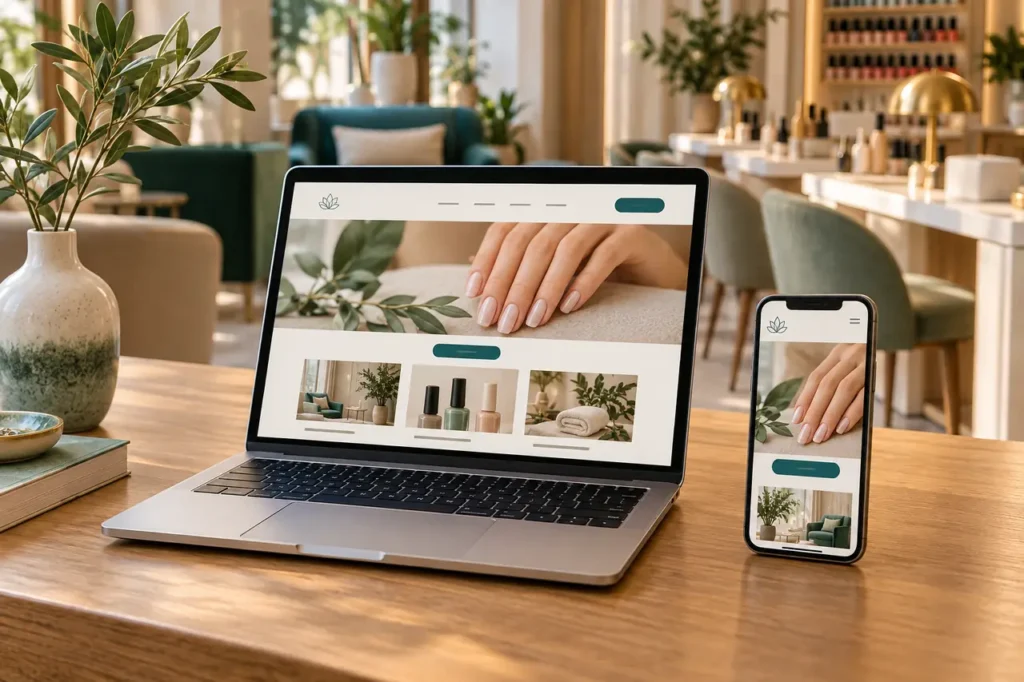
Test booking on a phone
- The primary booking button is easy to find without searching the footer.
- The link opens the correct salon and location.
- Text is readable without zooming and buttons are easy to tap.
- A visitor can return from the booking provider to the website.
- Phone and email links work, and the contact form shows a clear result.
- Any request form distinguishes a request from a confirmed appointment.
Test the full route with someone who did not build the site. If a form is used, check both the success message and whether the intended recipient receives the message.
Use images to support trust
Show actual services, the salon space and work the team can provide. Keep image proportions consistent, compress large files and use descriptive alternative text where images convey information. Decorative imagery should not pretend to be proof of a result.
A gallery needs a useful selection, not every photograph ever taken. Remove near duplicates and outdated material. Give important images enough room while keeping the page quick to load.
Run a final launch pass
Check one clear main heading per page, descriptive page titles, current contact details and links that go to the intended destination. Review desktop, tablet and phone layouts, including menus and any overlays.
Confirm who owns the domain, hosting and administrator access, and who will update hours or prices. A polished launch is only the beginning: the salon needs a practical way to maintain the information customers rely on.
Common questions
Does every salon need a large website?
No. The right number of pages depends on the services and customer questions. A focused site with accurate information is better than a large collection of empty sections.
Explore Slotify services for this topic →