
Google Business Profile Photos: A Shot List for Nail Salons
Đọc bằng tiếng Việt ↗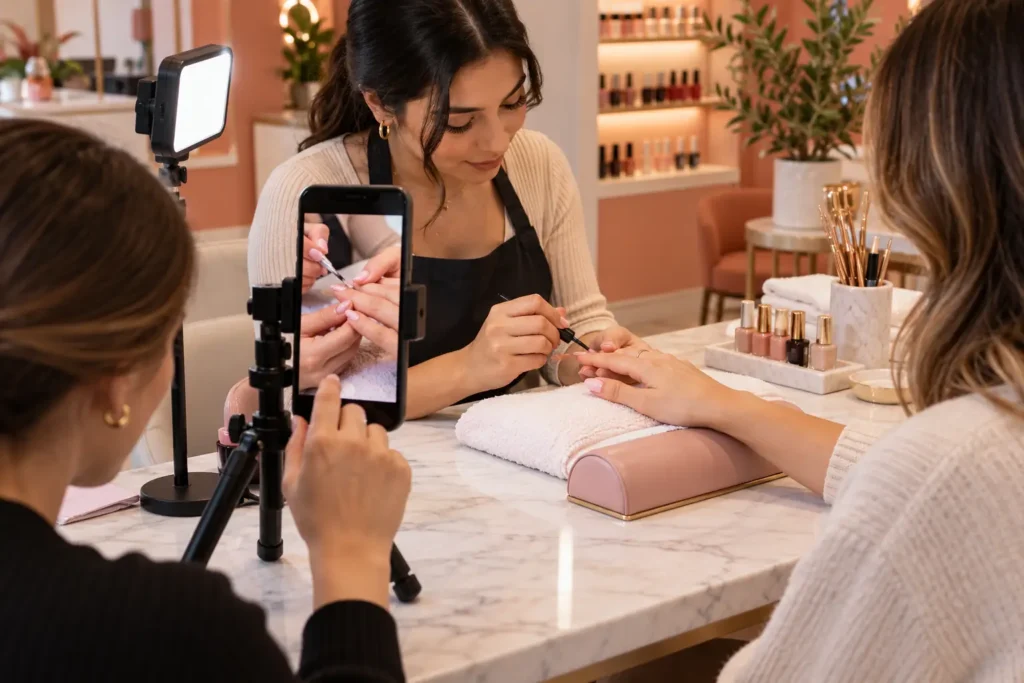
The quick answer
Good Business Profile photos help guests recognize the salon and understand the experience before arriving. Build a small, current collection of the actual entrance, interior, team and work. Use authentic photographs for location evidence; concept images are not a substitute for the real salon.
Use this 12-photo shot list
- Storefront with the salon name visible.
- The approach from the main parking area.
- The entrance customers should use.
- A wide reception view.
- The manicure area.
- The pedicure area.
- A treatment room, if the salon offers those services.
- A close view of an actual finished manicure.
- A second service style from the current menu.
- A detail showing the salon’s atmosphere.
- A team photo with permission.
- A service-in-progress photo with permission.
Substitute a relevant shot if a space or service does not exist. The list is a practical editorial suggestion, not a Google upload requirement.
Make a short shoot look consistent
Choose a quiet period with the salon prepared as customers will actually see it. Clean the lens, use steady framing and avoid mixing strongly different color filters. Show enough surroundings for location photos and enough detail for service photos.
Review images at phone size. A technically large image can still be unclear if the entrance sign is too small or the nails are hidden by props. Keep the original files so you can crop suitable versions without repeatedly compressing the same picture.
Review accuracy, permission and upload requirements
Remove visible appointment lists, screens with customer details and other private material from the frame. Obtain permission from identifiable guests and staff before publishing. Do not use another salon’s work as your own, and do not present an AI-generated interior as a photograph of your location.
Check Google’s current photo requirements at upload time and inspect the public result after processing. The profile may show images in a different crop or order than you expected, so keep the essential subject away from the edges.
Assign a monthly photo review
Keep a folder with the date, subject, location and permission status. Review the public profile when the salon changes signage, furniture, services or team. Replace outdated owner-uploaded images where appropriate and report content through Google’s process when a policy issue exists.
Measure whether guests can find the entrance and identify relevant services. A regular photo routine should improve clarity, not become a race to upload the largest possible number of pictures.
Common questions
Can I use an illustration on a salon blog?
Yes, when it is clearly illustrative. Use actual salon photographs when representing the premises, team or completed client work.
Will my chosen cover always appear first?
Do not assume one fixed display order. Check how the profile appears publicly and keep several useful, current photos available.
Explore Slotify services for this topic →